
Elevator Button Simulator
Step into an elevator, press the buttons, and travel between floors. A simulator built around a small part of everyday life. Enjoy watching the elevator respond to each press.
- Paid
- Windows
- macOS
- Simulation
- Oct 22, 2026
Trailer
Screenshots and videos
About Elevator Button Simulator
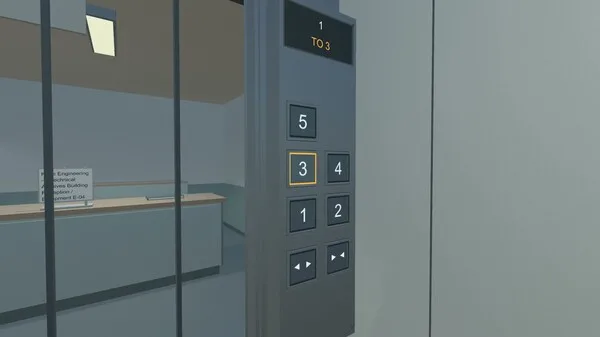
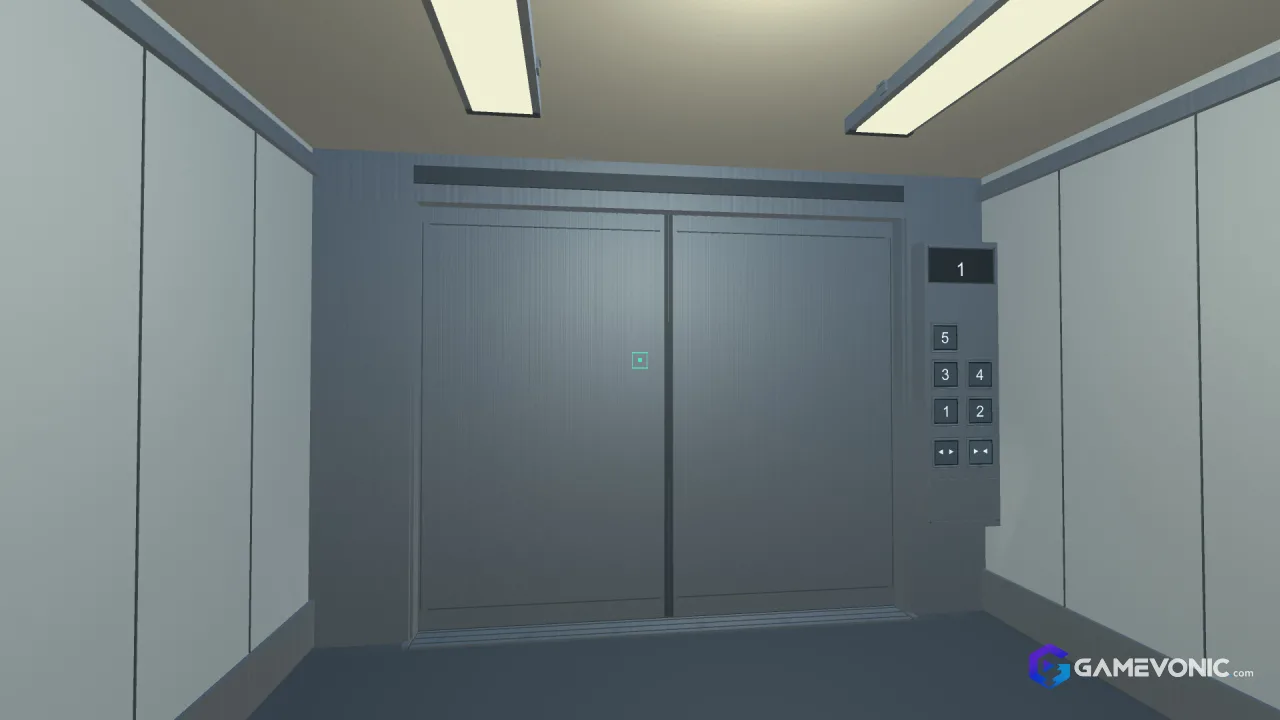
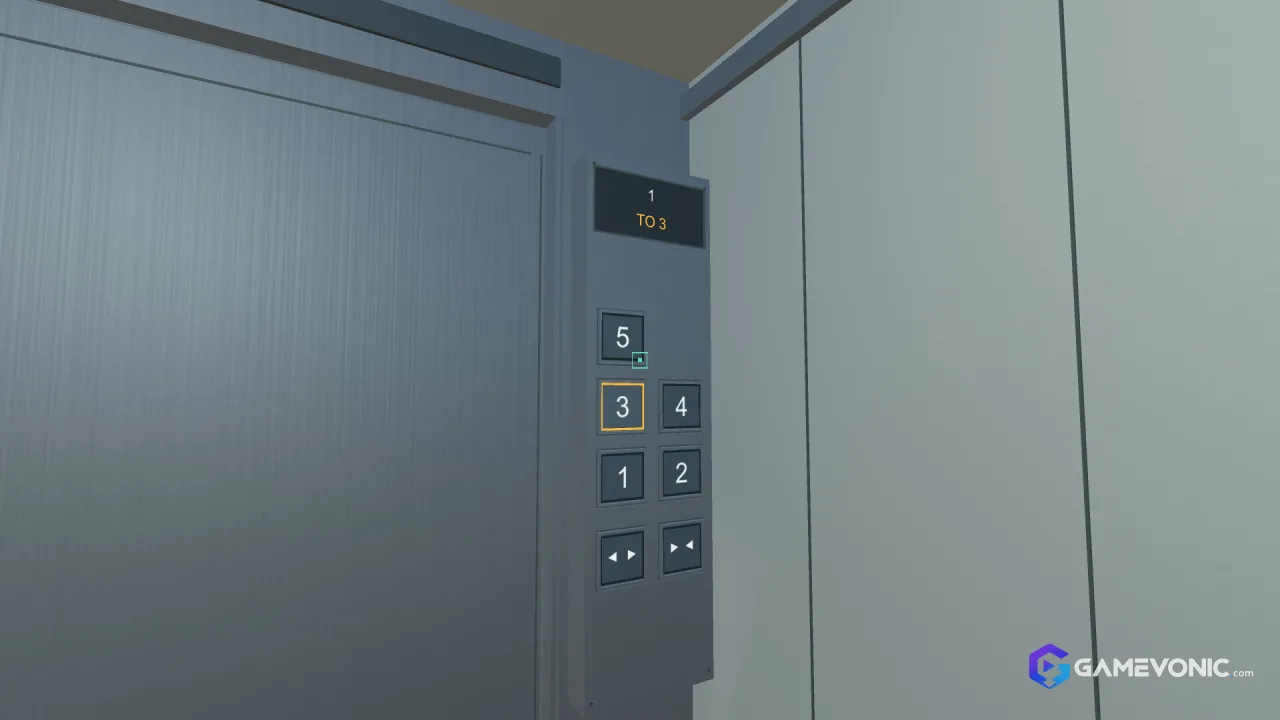
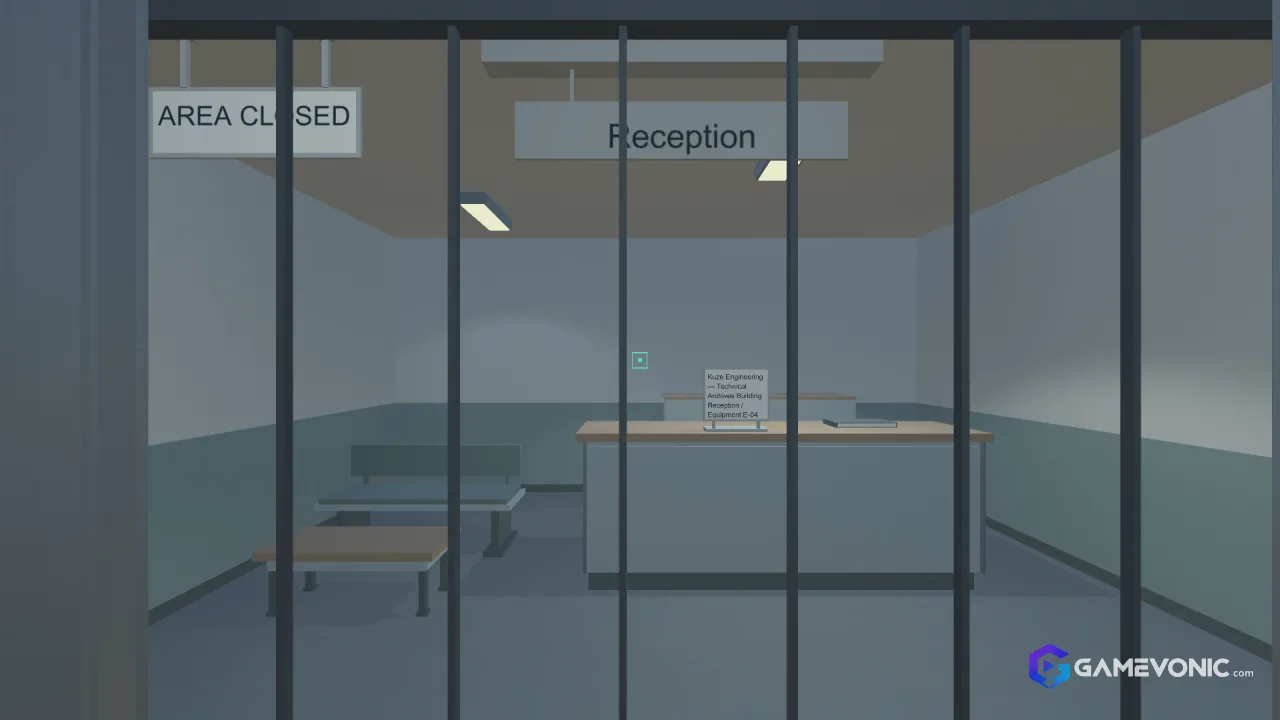
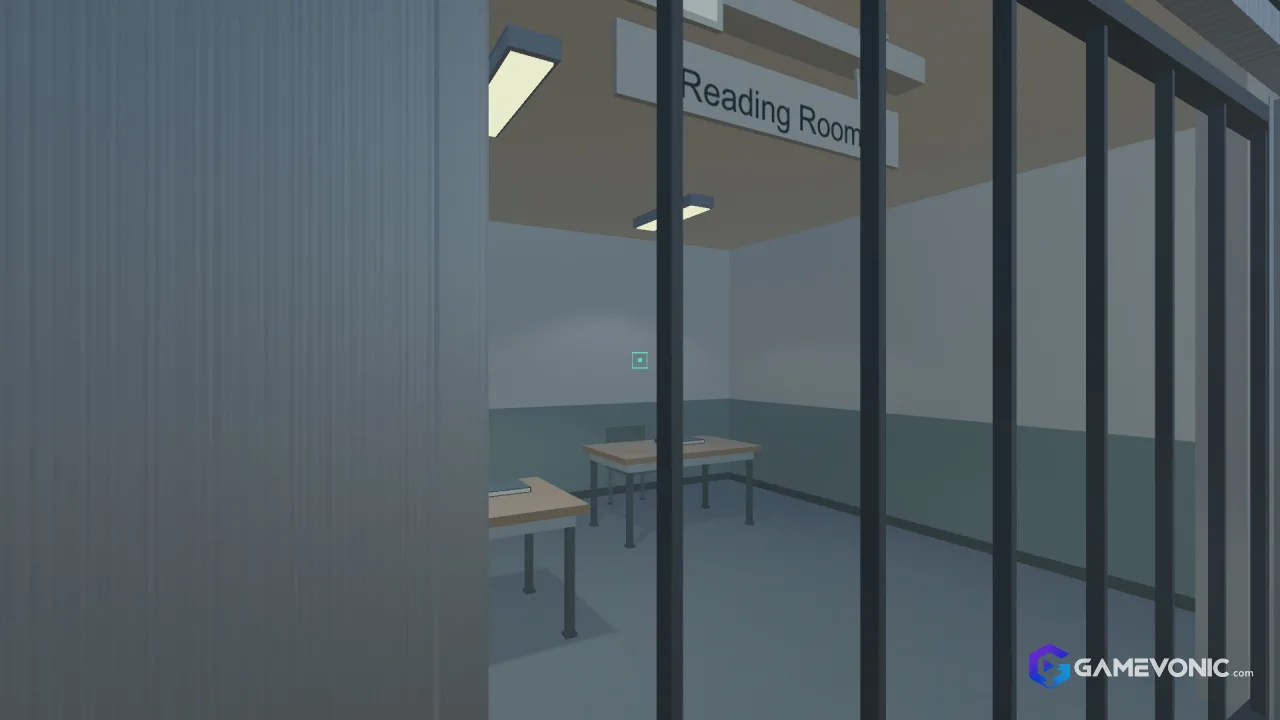
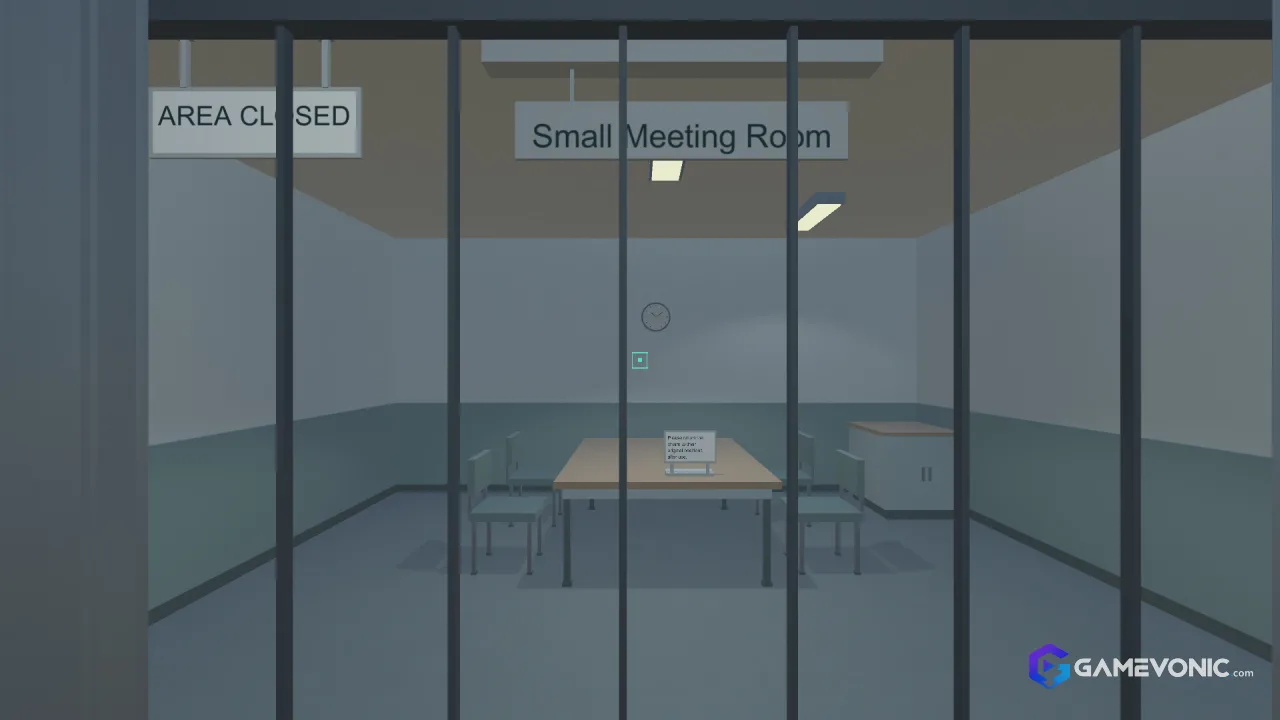
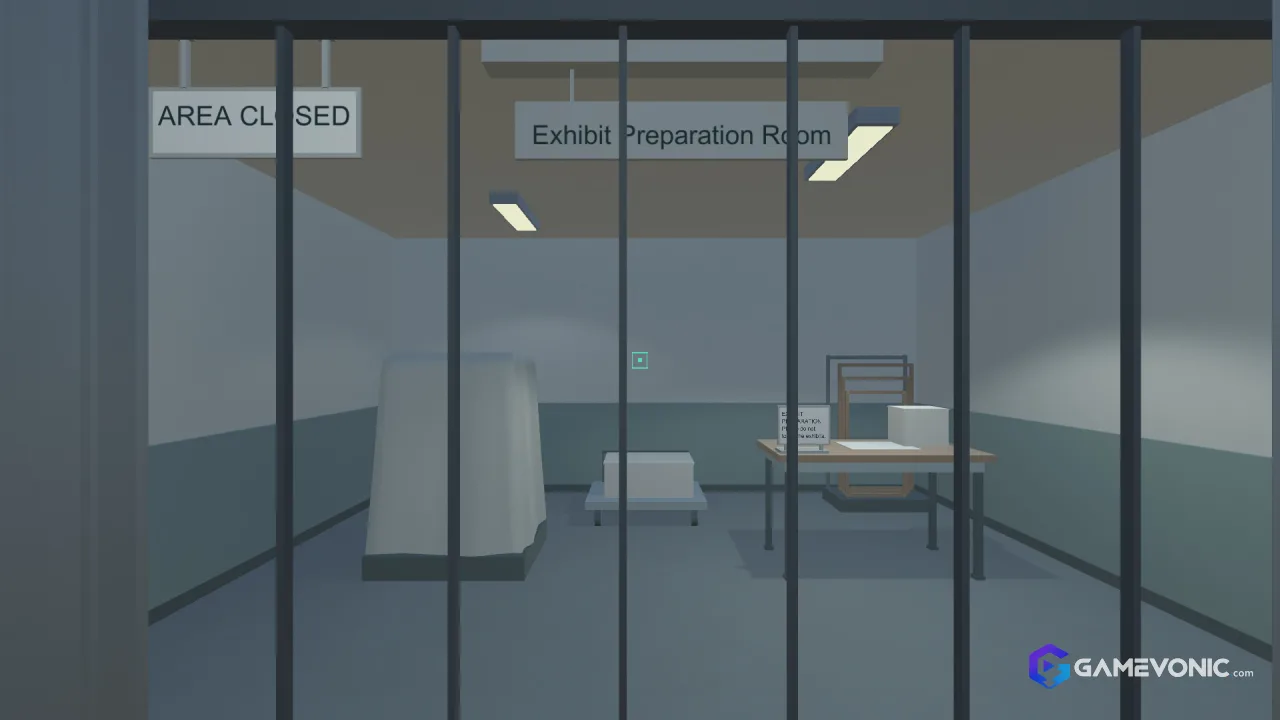
Elevator Button Simulator is a single player game about the most minuscule detail of taking an elevator. The player selects the desired floor by pressing the corresponding button, and the doors close after the choice is confirmed. The buttons indicate the current floor, and the elevator's indicator shows the next one; the rooms inside the building appear as soon as the doors are opened in the selected floor.
Elevator Button Simulator is a simulation game about an elevator. The game is played with a keyboard and a mouse: the former is used to press the desired floor button, and the latter is used to open/close the doors. The player can look around on different floors and move from floor to floor to see the different rooms the elevator passes through. The gameplay is slow-paced, and the only goal is to operate the elevator and observe the environment.
The documents and records about the elevator are found in the game by interacting with the elevator itself. The documents describe the elevator and the building it is in, and they can be read by opening the corresponding local files in a web browser. No internet connection is required to play the game or read the documents, as they are included with the game.
Elevator Button Simulator is available in two languages: Japanese and English. It cannot be played online or with others, and no internet connection is necessary for it to work. The game is controlled with a keyboard and a mouse, and it does not have any particularly complicated mechanics besides observing the environment and pressing the buttons.
Elevator Button Simulator is not a horror game, a puzzle game, or a management simulator. It is a small, simple game about an uninteresting machine, and most of its value is found in the slow observation of the environment. As such, it is best experienced as a minuscule distraction from everyday life, where the player can sit back and appreciate the minuscule details of a machine they see multiple times per day.
Key features
- Operate the elevator: press destination buttons, open and close doors, and travel between floors
- Take in a quiet building: use the elevator to visit different floors and view the rooms as the doors open
- Read the records: browse documents related to the elevator
- Buttons light up and the floor display changes as you ride
- In-game text and documents available in Japanese and English
- Keyboard and mouse controls with left and right buttons and scroll wheel
- Some documents open from locally bundled files in your regular web browser
- No internet connection required to view documents
- Single-player only
Elevator Button Simulator system requirements
Minimum
- Requires a 64-bit processor and operating system
- OS
- Windows 10
- Processor
- Intel Core i5-8400
- Memory
- 8 GB RAM
- Graphics
- NVIDIA GeForce GTX 1650
- Storage
- 1 GB available space
- Additional Notes
- Requires a 64-bit processor and operating system.
Recommended
- Requires a 64-bit processor and operating system
- OS
- Windows 11
- Processor
- Intel Core i7-8700
- Memory
- 8 GB RAM
- Graphics
- GeForce GTX 2070
- Storage
- 1 GB available space
- Additional Notes
- Requires a 64-bit processor and operating system.
Versions
| Version | Release date | Platform | File size | |
|---|---|---|---|---|
| Elevator Button Simulator 1.0 Latest version | Oct 22, 2026 | Windows | Download Now |
Comments about Elevator Button Simulator
No comments yet. Share your thoughts about this game!